“Being able to trigger security measures from my phone, means we get immediate alerts for internal and external threats. It’s been a valuable asset to our school.”
Melissa Ireland-Hubbert Headteacher, Phoenix Primary School
Trusted and protecting
schools and trusts across the UK
HOW IT WORKS
One trigger to every screen in seconds.
01
Trigger
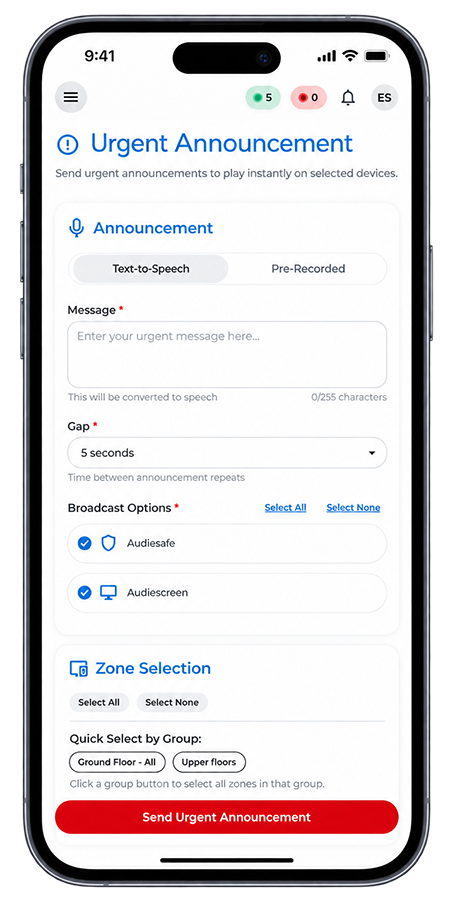
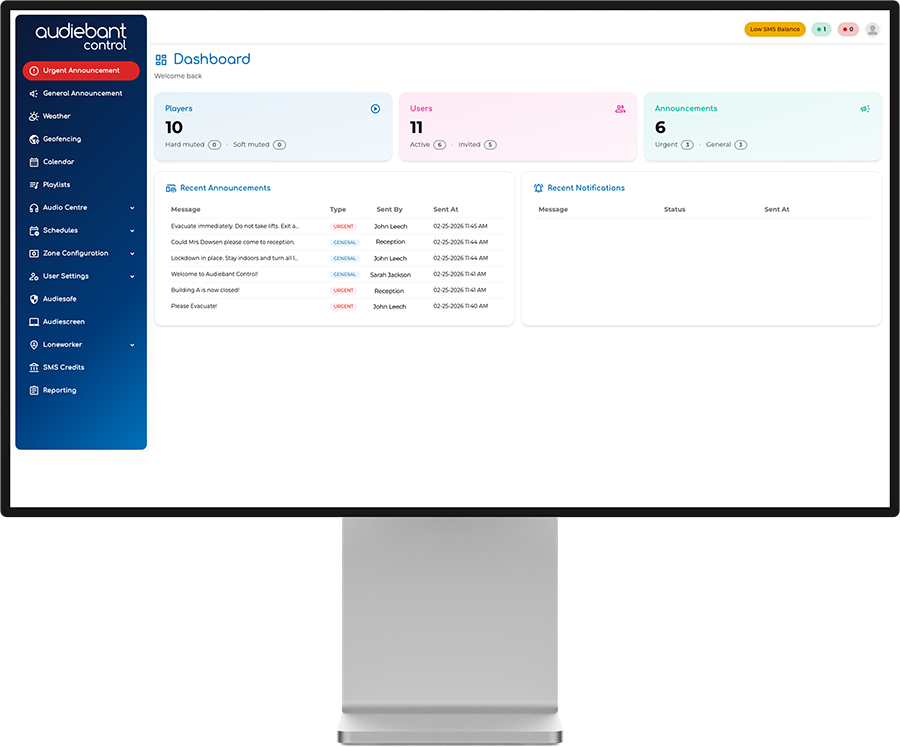
Pick a preset announcement or type a live message from the Control app or web portal.
02
Target
Send to the whole school, or only the zones and staff groups it applies to.
03
Confirm
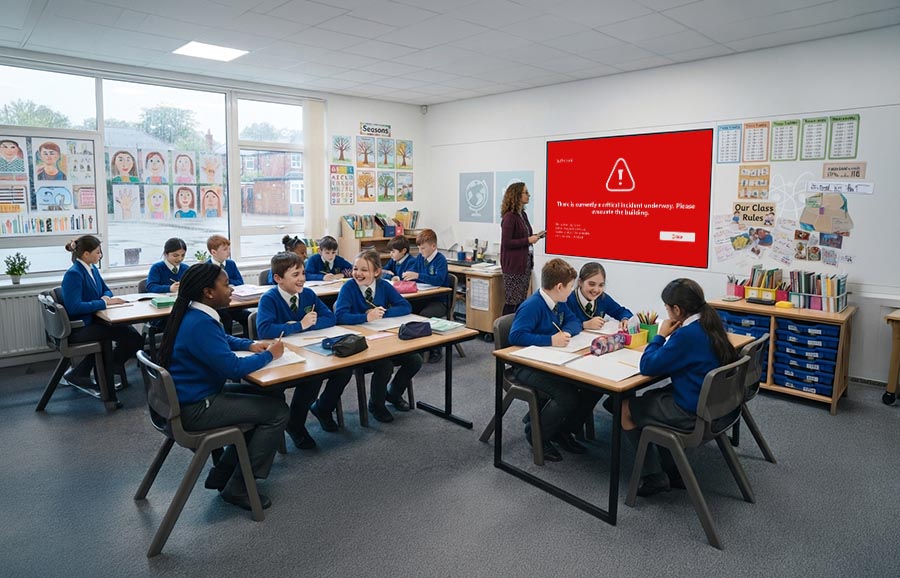
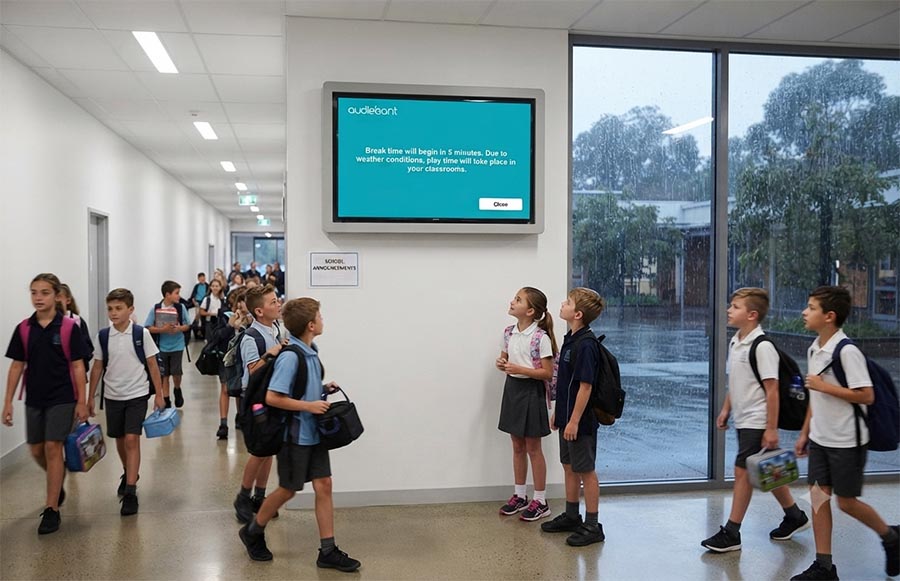
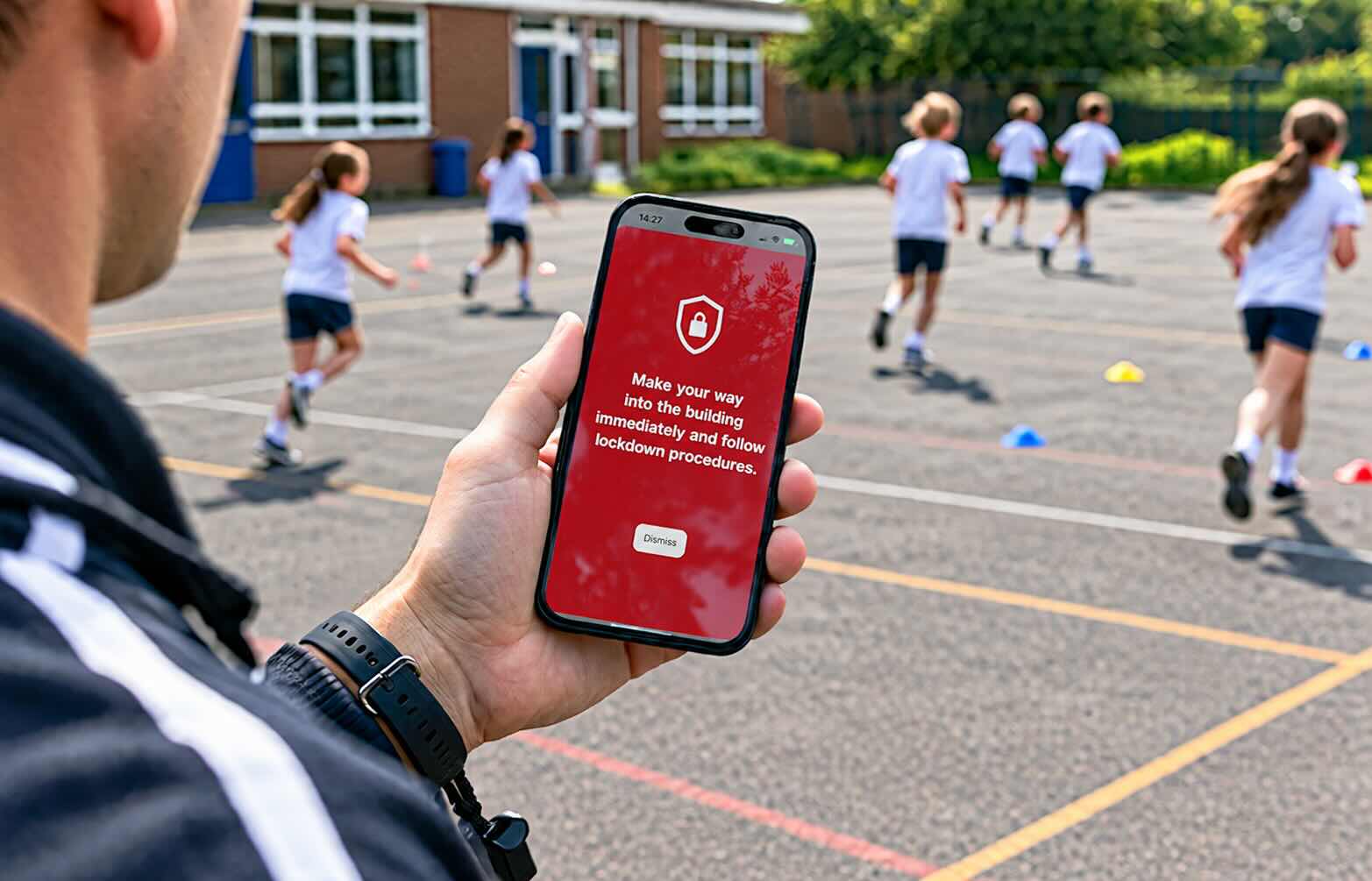
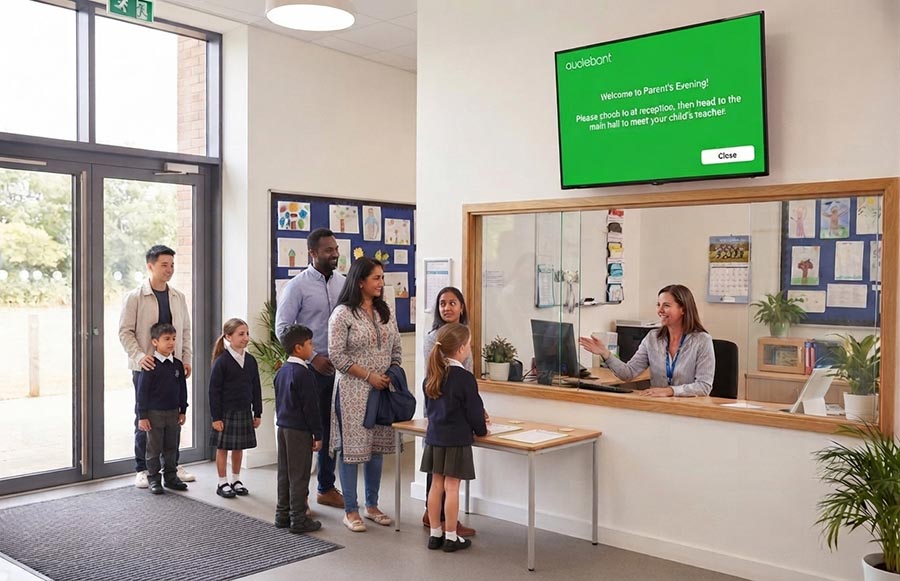
Alerts appear on screens and phones, read aloud. Read receipts show who has seen it.
£80 a month
Paid annually, plus VAT.
90-day money-back guarantee
No quibbles, no questions.
No hidden costs
One price covers the software, app, portal and updates.
One system, dual use.
Features:
Virtual zoning
Send an alert to the part of school it applies to
Read aloud
Audio plays through any screen with speakers
Full audit trail
Who sent it, which zones, and when it was seen
200+ languages
Reach everyone on site in the language they read best
On locked screens
Alerts show on locked devices (Windows systems only)
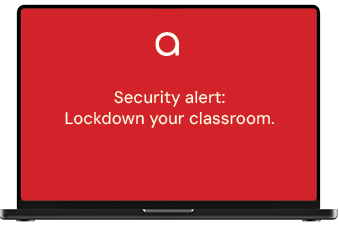
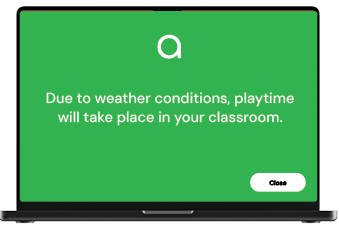
Demo only — alerts appear instantly on every Audiescreen display in the selected zones.
Three duties. The same missing piece.
Martyn’s Law, DfE guidance, and health and safety regulations each come down to one question — in the moment, how does everyone actually know what to do?
Terrorism (Protection of Premises) Act 2025 (Martyn's Law)
Standard tier duties include telling people on site what to do. A fire alarm only says one thing — go outside — and in a lockdown that's the wrong instruction.
Audiescreen sends the right one, to the right zone.
DfE protective security guidance
DfE expects settings to have a lockdown plan and a way to trigger it that staff recognise instantly.
A screen carrying the word lockdown in plain text is unambiguous.
Health and safety regulations
Management of Health and Safety at Work Regulations 1999 requires that anyone exposed to serious and imminent danger is informed of the hazard and the steps being taken to protect them.
Read receipts show who was informed, and when.
Audiescreen supports these duties. It doesn’t discharge them — your procedures, training and risk assessments stay with your governing body.
Three ways to trigger an alert.
Whoever spots it first should be able to act — from the office, a corridor, or the hall with no phone in hand. Every route sends the same message to the same zones.
Being able to trigger security measures from my phone means we get immediate alerts for internal and external threats. It’s been a valuable asset to our school.